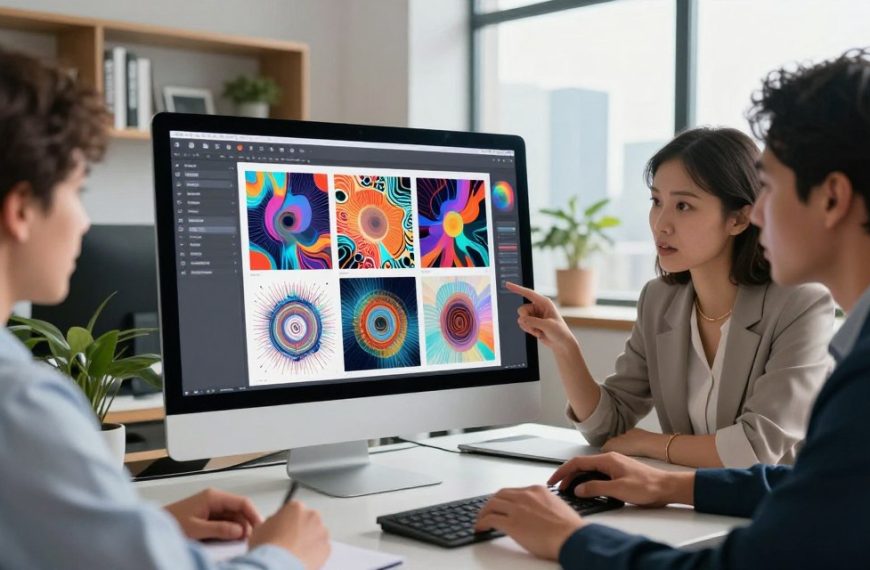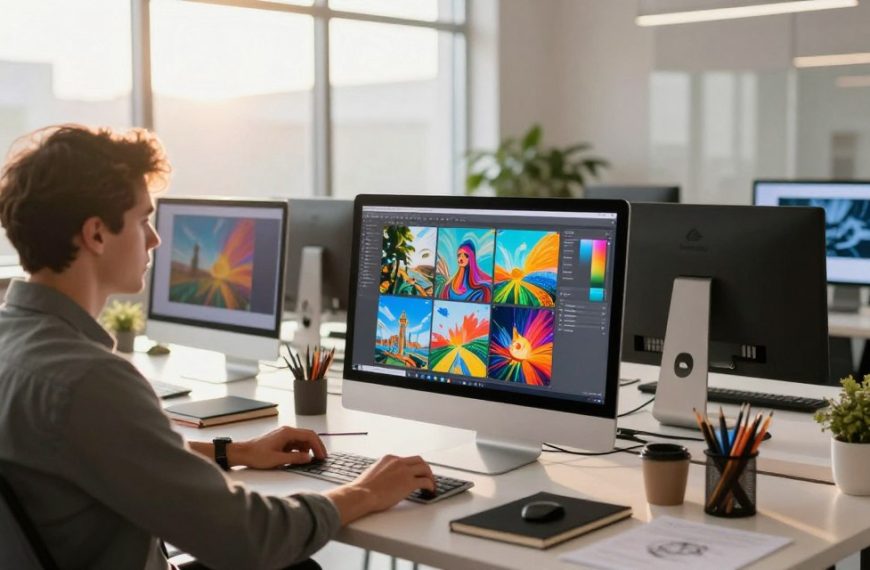

The art world is changing fast thanks to artificial intelligence art. This tech is changing how we make art.
Now, advanced algorithms can make amazing art from just a few words. They work with us, not just for us.
Machine learning and neural networks are key to new art. They help artists, designers, and fans create more.
The comparison becomes clearer when you review nsfw ai image generation platforms, rules, and the trade-offs between quality, control, and usability.
Generative AI is key in digital art creation today. It mixes human creativity with machine smarts.
This guide shows how these techs help us make new art. We’ll look at how to make great ai art with smart systems.
What is Image Generation AI?
Image generation AI is a new kind of software. It turns text or images into amazing art using complex math. This has made it easy for anyone to create professional-looking art, even without being an artist.
The Technology Behind AI Art Creation
At the heart of AI art are artificial neural networks. These mimic the brain’s neurons. They learn from lots of images and text, then make new pictures based on what they’ve learned.
Two main technologies are used in AI art today. Generative adversarial networks (GANs) have two parts. One makes images, and the other checks them. This competition makes the images look more real. The other tech, diffusion models, starts with random noise. It then gets clearer and more detailed with each step, guided by text prompts.
Evolution of AI Art Platforms
The start of AI art was in the 1970s with Harold Cohen’s AARON. It used rules, not learning. Then, in 2014, Ian Goodfellow introduced GANs. Google’s DeepDream project also caught everyone’s attention.
In 2018, Christie’s sold an AI art piece, “Portrait of Edmond de Belamy,” for $432,500. This made people take AI art more seriously. Now, we have advanced platforms that use many neural networks to create amazing art.
Today, AI art tools are not just for scientists. They’re available online and through APIs. Researchers keep improving diffusion models and combining them with other tech. This is making AI art even more amazing.
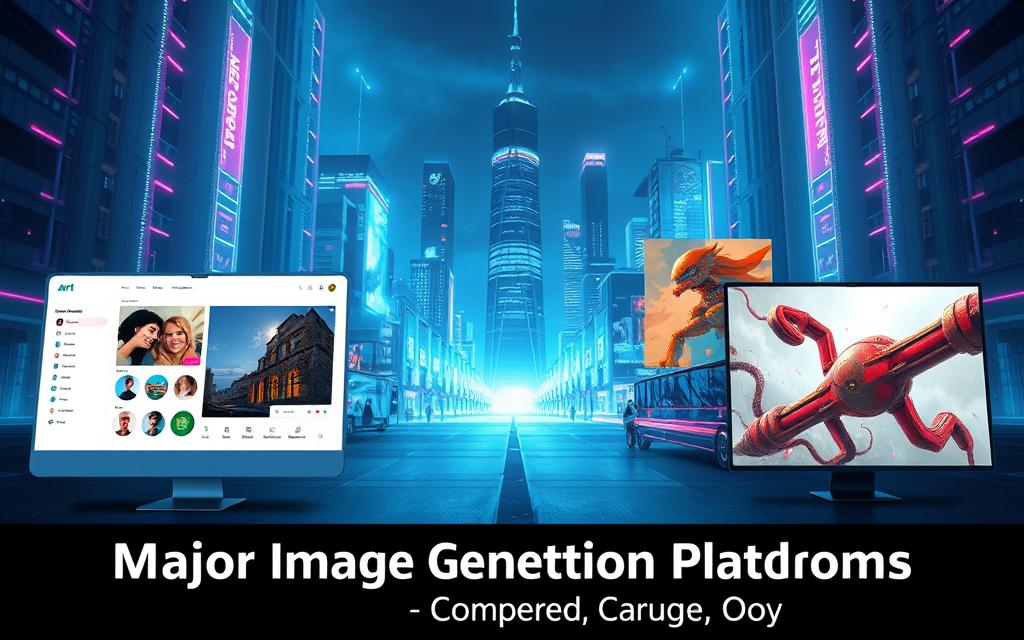
Major Image Generation Platforms Compared
Exploring the world of AI art creation means knowing what each top platform offers. Each tool has its own strengths, meeting different artistic needs and technical tastes.
This analysis looks at three big players in the market. It highlights their special skills and the best uses for creators.
Midjourney: Artistic Excellence
Midjourney is top for artists wanting stunning, unique images. It’s known for creating beautiful, often surreal pictures with great artistic touch.
People love Midjourney for its ability to make images that look like they were made by hand. It’s great at:
- Creating beautiful colour schemes and lighting
- Coming up with unique styles
- Making digital art that looks like it belongs in a gallery
Artists value Midjourney for its deep understanding of art. It can turn abstract ideas into amazing pictures.
Stable Diffusion: Customisation and Control
Stable Diffusion is unique because it’s open-source. It lets users tweak every part of the creation process.
Its design makes it easy to customise, from tweaking settings to adding special data. Users can run it on their own computers, keeping their work private.
Key benefits include: the ability to fine-tune models, community support, and working with different hardware. It’s perfect for research and custom projects.
DALL-E 3: User-Friendly Integration
DALL-E 3 is easy to use, thanks to its chat with ChatGPT. It’s great at understanding complex text prompts.
It has a simple interface that’s easy to get along with. The system often gets what you want right away, with little effort.
DALL-E 3 also has strong safety features and content filters. It’s great for work where you need to keep things clean and professional. It’s easy for beginners but also delivers top-notch results.
| Platform | Primary Strength | Ideal User Profile | Access Level |
|---|---|---|---|
| Midjourney | Aesthetic quality & artistic style | Digital artists & designers | Discord-based subscription |
| Stable Diffusion | Technical customisation & control | Developers & researchers | Open-source/local installation |
| DALL-E 3 | Prompt understanding & accessibility | Beginners & professionals | Integrated with ChatGPT |
Other notable platforms include Artsmart for photorealistic images and Jasper AI for marketing content. Each meets different creative needs in the AI art world.
Choosing the right tool is all about what you need. It’s about the style, control, and how it fits into your workflow.
Creating Your First AI Artwork: Step-by-Step Guide
Starting with text to image generation needs a clear plan for good results. This step by step guide will help you from the first idea to the final piece.
First, pick a platform that fits your artistic aims. Most offer free trials or a few free generations to try before paying. After signing up, you’ll find a text box where the magic starts.
Crafting Effective Text Prompts
Great AI art starts with prompt engineering. Your text is the guide for the image, so be precise.
Start with a clear subject and add context. Instead of “a dog,” say “a golden retriever puppy playing in a sunlit meadow with wildflowers.” Being specific helps a lot.
Use artistic references to guide the style: “in the style of Van Gogh” or “photorealistic, 8K resolution.” Words like “masterpiece,” “cinematic lighting,” and “ultra-detailed” can make the image better.
Use negative prompts to exclude things you don’t want. For a calm landscape, say “no buildings, no people, no pollution” to keep it peaceful.
Try different artistic mediums in your ai art prompts: “watercolour painting,” “digital art,” “oil on canvas,” or “charcoal sketch.” Mixing styles can create unique artworks.
Configuring Generation Parameters
Most platforms have advanced settings that can change your results a lot. Knowing these settings can make you a better creator.
Sampling steps control how many times the AI tries to improve the image. More steps (50-150) mean more detail but take longer. Start with medium and adjust as needed.
Choose the right output dimensions for your use. Square for social media, wider for wallpapers. Most tools have preset ratios or let you set your own.
Guidance scale affects how closely the AI follows your prompt. Lower values let the AI be more creative, while higher values stick to your text.
Seed values help you get the same results again. Note the seed number for successful generations to keep improving that idea.
Many platforms let you choose different models. Newer models might have better detail, while special models are great for certain styles like anime or photorealism.
Remember, finding the right settings takes trial and error. Keep track of what works for you to make even better AI art.
Advanced Techniques for Professional Results
To go beyond basic images, you need to learn advanced techniques. These methods turn AI art into polished, gallery-ready pieces. They give artists more control over their digital art.
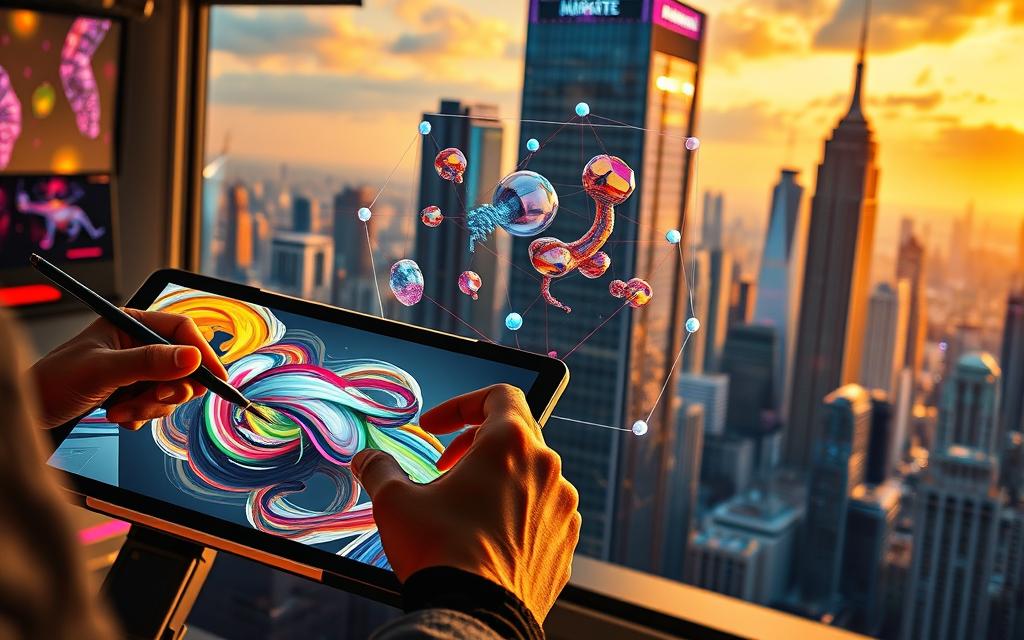
Iterative Refinement Strategies
AI artists know that great art doesn’t come from one try. They use initial images as a starting point. This means:
- Looking at images to find what works and what doesn’t
- Making different versions of good images
- Changing the style of an image while keeping its shape
- Improving prompts based on what the AI shows
This cycle helps improve your art bit by bit. It’s like a traditional artist working on a sketch. The key is to keep your vision clear but also open to new ideas.
Style Emulation and Combination
Learning to replicate artistic styles takes your AI art to the next level. Instead of just naming an artist, try these:
Study what makes a style unique—like Van Gogh’s brushwork or Ansel Adams’ lighting. Use specific terms to describe these, not just the artist’s name.
Mixing styles is even more advanced. You could mix Art Deco shapes with Impressionist colours. Tools like Deep Art Effects can apply these styles to images with great accuracy.
Image Editing and Enhancement Tools
Editing tools are key to finishing your art. Modern AI platforms have editing suites for common issues:
Inpainting lets you edit specific parts of an image. It’s great for changing a tree or removing something awkward without redoing the whole image.
Outpainting lets you add to an image’s edges. It’s useful for changing the image’s size or adding more to a scene. It keeps the style the same but changes the layout.
Image upscaling makes images clearer without losing quality. It’s perfect for printing or showing on big screens. AI upscalers add details smartly, not just by stretching pixels.
These tools help solve common AI art problems. They ensure your art looks professional.
| Technique | Primary Function | Best For | Platform Examples |
|---|---|---|---|
| Iterative Refinement | Gradual quality improvement | Precision towards specific vision | Midjourney, Stable Diffusion |
| Style Transfer | Aesthetic application | Artist emulation, style blending | Deep Art Effects, RunwayML |
| Inpainting | Selective editing | Fixing flaws, adding elements | DALL-E 3, OpenArt |
| Image Upscaling | Resolution enhancement | Print preparation, large displays | Topaz Gigapixel, ESRGAN |
Learning these advanced techniques makes AI art a serious tool. The best artists mix technical skills with creativity. They use these tools to create visions that traditional art can’t match.
Ethical Considerations in AI Art Creation
Creating AI art is not just about technical skills. It’s also about following a strict ethical code. This code guides every artist using AI tools.
Copyright and Intellectual Property Issues
The law on AI art is not clear. Current laws struggle to answer basic questions about who owns and created the art.
Who owns an AI-made image? Is it the person who gave the prompt, the developers, or no one? These questions are hard to answer.
Another big issue is the use of training data. AI models often use millions of images without permission. Artists find their work used without their say-so, pay, or credit.
This raises big questions about AI’s use of others’ work. When AI makes art based on protected works, it might break the law.
| Platform | Training Data Policy | Attribution Practice | Copyright Stance |
|---|---|---|---|
| Midjourney | Proprietary dataset | No source attribution | User owns output |
| Stable Diffusion | LAION dataset | Optional attribution | Content policy dependent |
| DALL-E 3 | Filtered training data | Platform credit required | Microsoft rights reserved |
Transparency and Attribution Practices
Artists should be open about using AI. Being honest with the audience and respecting traditional art is key.
It’s also important to give credit where it’s due. Acknowledging the platforms and models used helps teach others about AI’s strengths and weaknesses.
Many say we should also thank the artists who inspired the AI. While it’s hard to credit every one, a general thank you shows respect for the art world.
Being open and giving credit helps solve the ai art controversy. It builds trust and encourages responsible use of AI in art.
Creating clear rules for giving credit is a big challenge. As AI art grows, so must our rules for acknowledging its role in art.
Conclusion
This guide has shown how amazing image generation AI is. We’ve looked at tools like Midjourney and DALL-E 3, and how to use them. It’s clear that AI makes art more accessible and boosts creativity.
But, we must think about the ethics of AI art. As AI gets better, we need to keep things fair and respect artists’ work. This way, we can all enjoy the benefits of AI art without any problems.
The future of AI art looks very bright. New tech will make creating even more exciting. This change will change how we tell stories and make art.
It’s a great time to start using these new tools. Try out the platforms and methods we talked about. You might discover new ways to create and express yourself.

 By
By